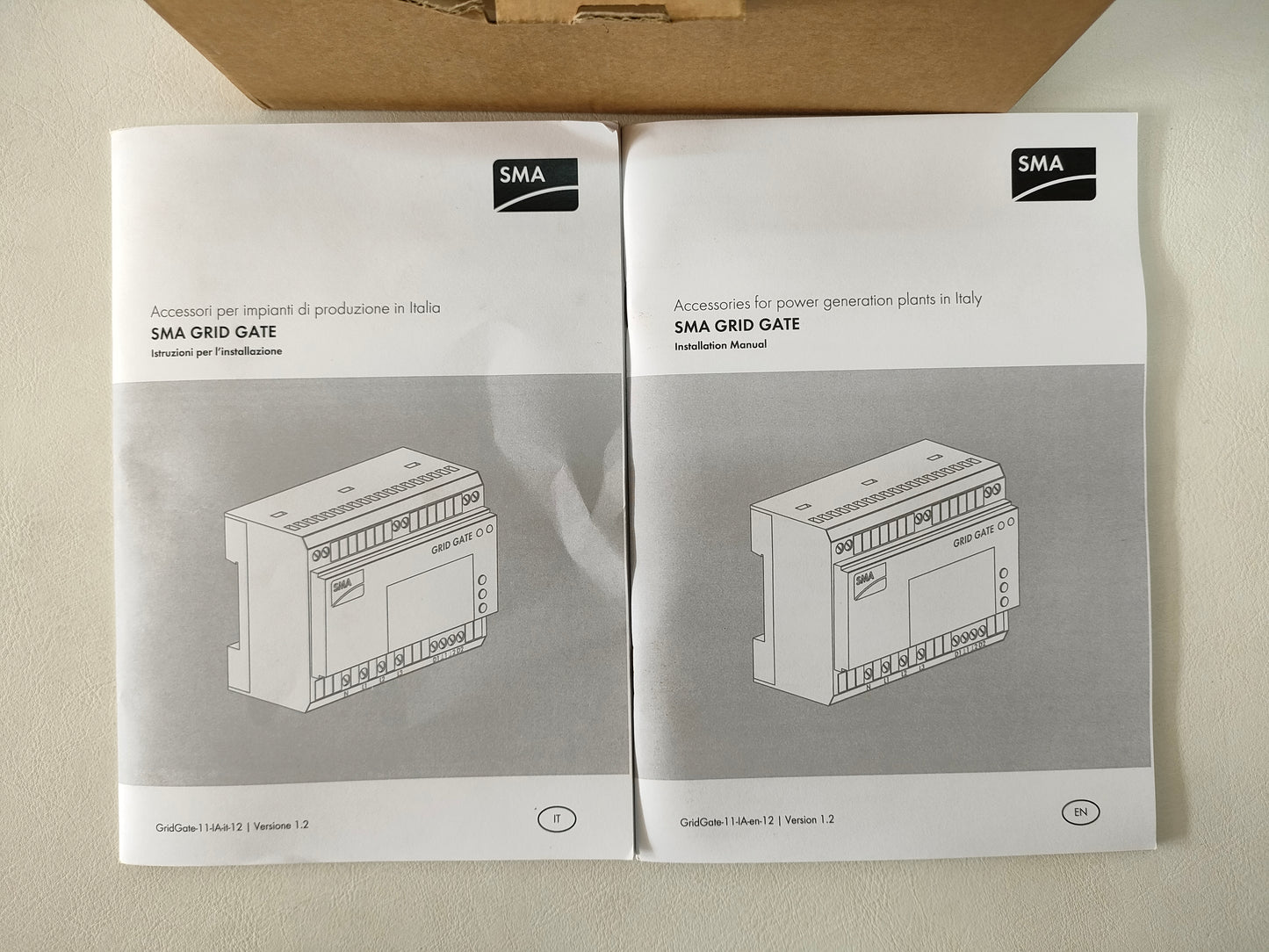
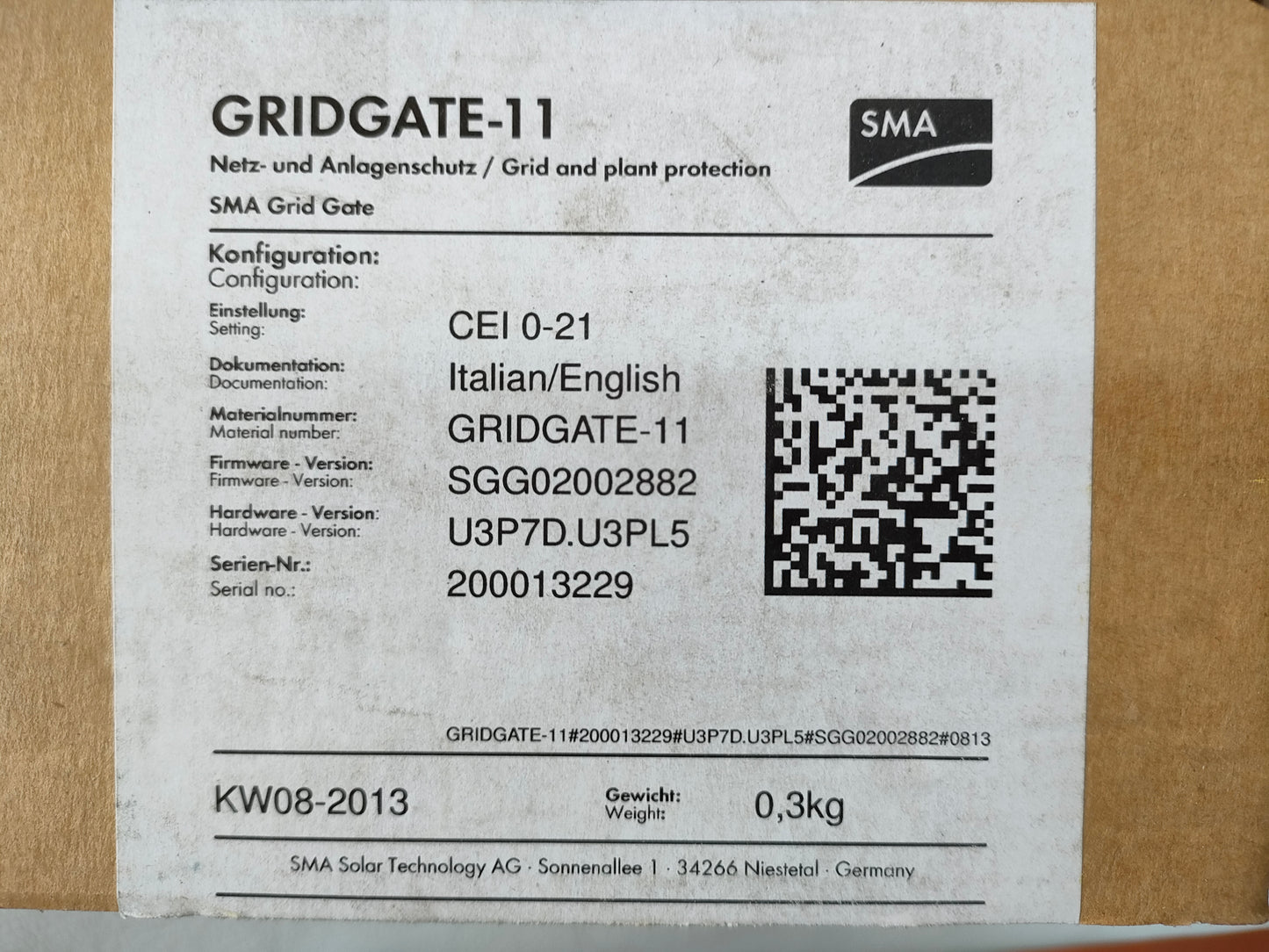
SMA SMC SB TRIPOWER PV Invereter Grid Gate-11 CEI 0-21
Sorry, it's out of stock.
But we can let you know when it's back in.
Couldn't load pickup availability
Discount
|
Spend €500+ |
3% OFF |
|---|---|
|
Spend €3 000+ |
5% OFF |
|
Spend €8 000+ |
10% OFF |
|
Spend €12 000+ |
Custom Quote |
Shop safely
Secure your shopping experience with various safe and trusted payment methods.
Smooth and stress-free — we handle issues, without bureaucracy.
From setup to questions — we’ve got your back after the sale.
Description
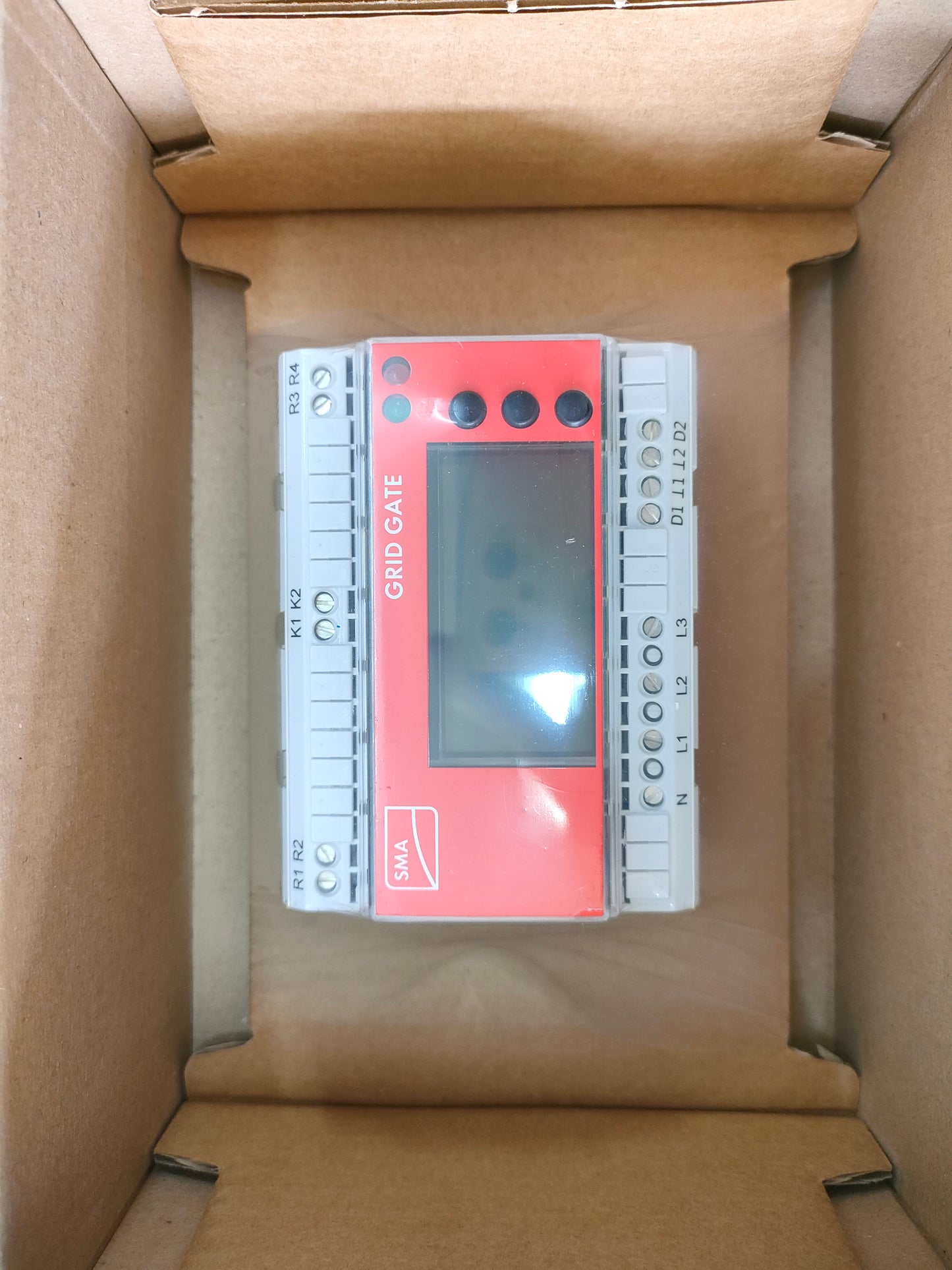
New
1. Safety Instructions
-
Read Before Use: Carefully read all instructions before installation or operation.
-
Qualified Personnel Only: Installation, commissioning, and maintenance must be done by certified electricians.
-
Electrical Shock Hazard: Disconnect AC and DC power before servicing. Avoid touching live terminals.
-
Fire Risk: Keep the inverter away from flammable materials.
-
Grounding: Connect the inverter to a proper ground according to local regulations.
-
Protective Equipment: Use insulated gloves and safety goggles when handling the inverter.
2. Product Overview
-
Model: SMA SMC SB Tripower
-
Type: Three-phase photovoltaic inverter
-
Max AC Power: 11 kW
-
Input Voltage: DC 150–1000 V
-
Output Voltage: AC 400 V / 50 Hz
-
Efficiency: Up to 98%
Components:
-
LCD display and navigation buttons
-
DC input terminals (PV+) and (PV−)
-
AC output terminals (L1, L2, L3, N)
-
Communication ports (RS485, Ethernet)
-
Cooling fan and ventilation slots
3. Installation Instructions
-
Mounting Location:
-
Indoor or sheltered outdoor area.
-
Ensure adequate airflow (minimum 10 cm from walls).
-
-
Mounting:
-
Secure the inverter on a wall or mounting frame using SMA-supplied brackets.
-
-
DC Wiring (PV Input):
-
Connect PV+ and PV− from the solar modules to the inverter.
-
Verify correct polarity.
-
-
AC Wiring (Grid Connection):
-
Connect L1, L2, L3, and N to the AC distribution board.
-
Install a dedicated circuit breaker for the inverter.
-
-
Grounding:
-
Connect the grounding terminal to the system ground according to CEI 0-21 standard.
-
4. Commissioning
-
Switch on DC and AC power.
-
The LCD will display the startup screen.
-
Follow the on-screen setup wizard to:
-
Select language
-
Set grid parameters (CEI 0-21)
-
Enter PV system size
-
-
Confirm PV voltage and grid connection.
-
Verify there are no error messages. The inverter will enter Operation Mode.
5. Operation
-
LCD Display: Shows real-time voltage, current, power, energy yield, and status messages.
-
Buttons:
-
Enter/OK – confirm selections
-
Arrow Keys – navigate menus
-
-
Normal Operation: Converts DC from PV modules to AC for the grid automatically.
6. Maintenance
-
Visual Inspection: Check monthly for dust, debris, or loose connections.
-
Cleaning: Wipe with a dry cloth; avoid water or chemical solvents.
-
Firmware Updates: Can be performed via SMA Sunny Portal or USB drive.
7. Troubleshooting
| Symptom | Possible Cause | Solution |
|---|---|---|
| No AC output | Grid failure | Check grid voltage |
| Error code on LCD | Overvoltage, overload, or PV fault | Reduce PV input, reset inverter |
| Low power | Shading, dirty panels | Clean modules, adjust orientation |
8. Technical Specifications
-
Max DC voltage: 1000 V
-
MPPT voltage range: 200–800 V
-
Nominal AC voltage: 400 V, 50 Hz
-
Max AC current: 16 A
-
Efficiency: up to 98%
9. Storage & Transport
-
Store in a dry, ventilated area.
-
Protect from shocks and vibrations.
-
Temperature range: −25°C to +60°C.

Shopping Safely
At our Green Energy store, we prioritize your safety and security. Here's how we ensure a secure shopping experience:
1. Secure Transactions: We use advanced encryption to protect your personal and payment information, ensuring it is safely transmitted and safeguarded.
2. Trusted Payment Gateways: Our store integrates with trusted payment gateways, ensuring your transactions are processed securely and efficiently.
3. Data Privacy: Your privacy is our top priority. We follow strict data protection policies to keep your personal information confidential and secure.
4. Secure Platform: Shopify provides robust security features and continuous monitoring against vulnerabilities, ensuring a safe shopping environment.
5. Verified Merchants: We are a verified merchant on Shopify, committed to providing authentic and high-quality products.
6. Transparent Policies: Our clear return, refund, and shipping policies provide peace of mind, knowing we stand behind our products.
7. Customer Support: Our dedicated customer support team is ready to assist with any concerns or questions you may have.
Shop confidently at our Shopify store, where your safety and satisfaction are our top priorities.
🔒 Warranty Terms and Conditions
By placing an order, you acknowledge and agree to the following warranty policy:
✅ 1-Year Warranty for Inverters
- All solar inverter units come with a 1-year warranty from the date of purchase.
- Each unit is fully inspected and tested before shipment to ensure proper functionality.
🔧 What the Warranty Covers
- The warranty covers defects and malfunctions that occur during standard operation.
- This includes the inverter as a whole and its internal components and circuit boards.
- If any issue arises within the warranty period, we will repair or replace the defective part or product, in line with our warranty policy.
🛠 Warranty for Separate Components
- For individual internal circuit boards, components, and repair kits ordered separately, a 6-month warranty applies from the date of purchase.
- Within this period, any functional failure will result in a free replacement as per our warranty terms.
⚠️ What the Warranty Does Not Cover
- The warranty does not apply in the following cases
- Improper installation by the customer or third parties
- Network overvoltage
- Lightning strikes or other environmental/external damage
❗ Please ensure correct installation by a qualified technician. Improper connection or handling voids the warranty.