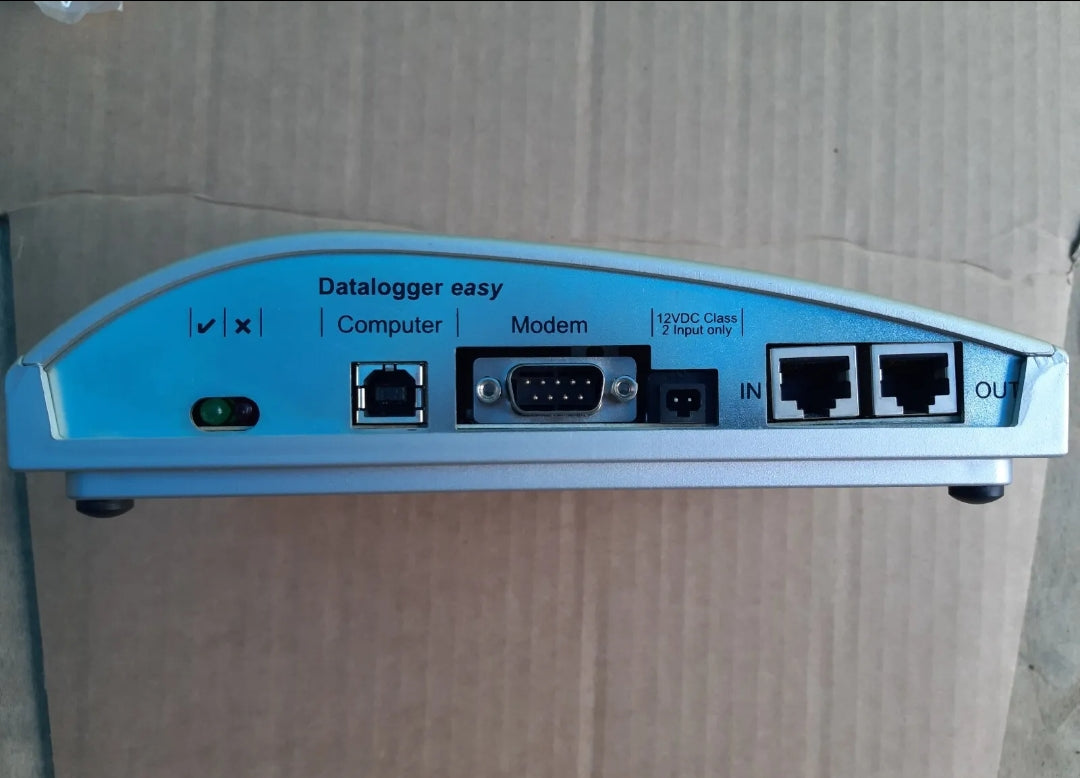
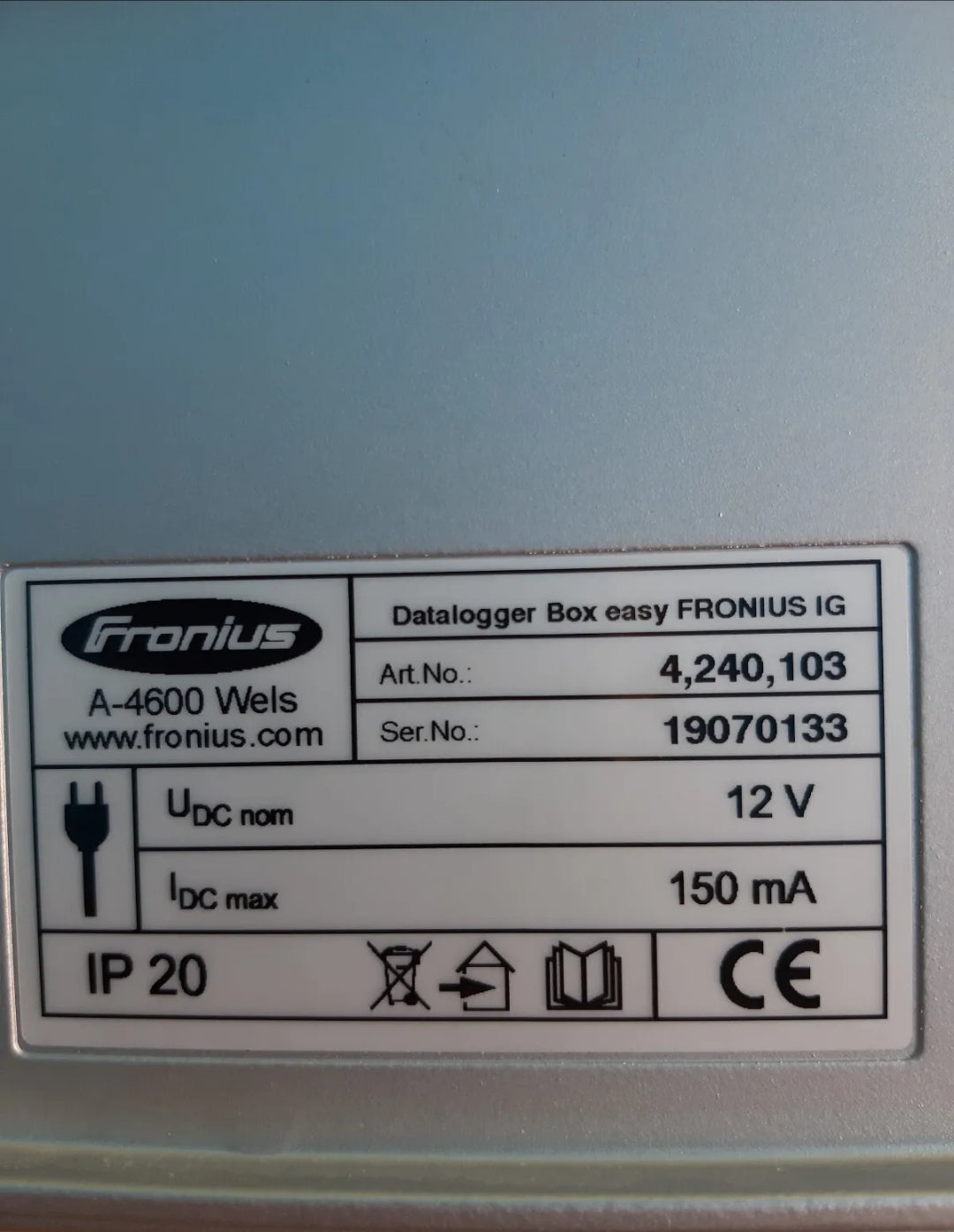
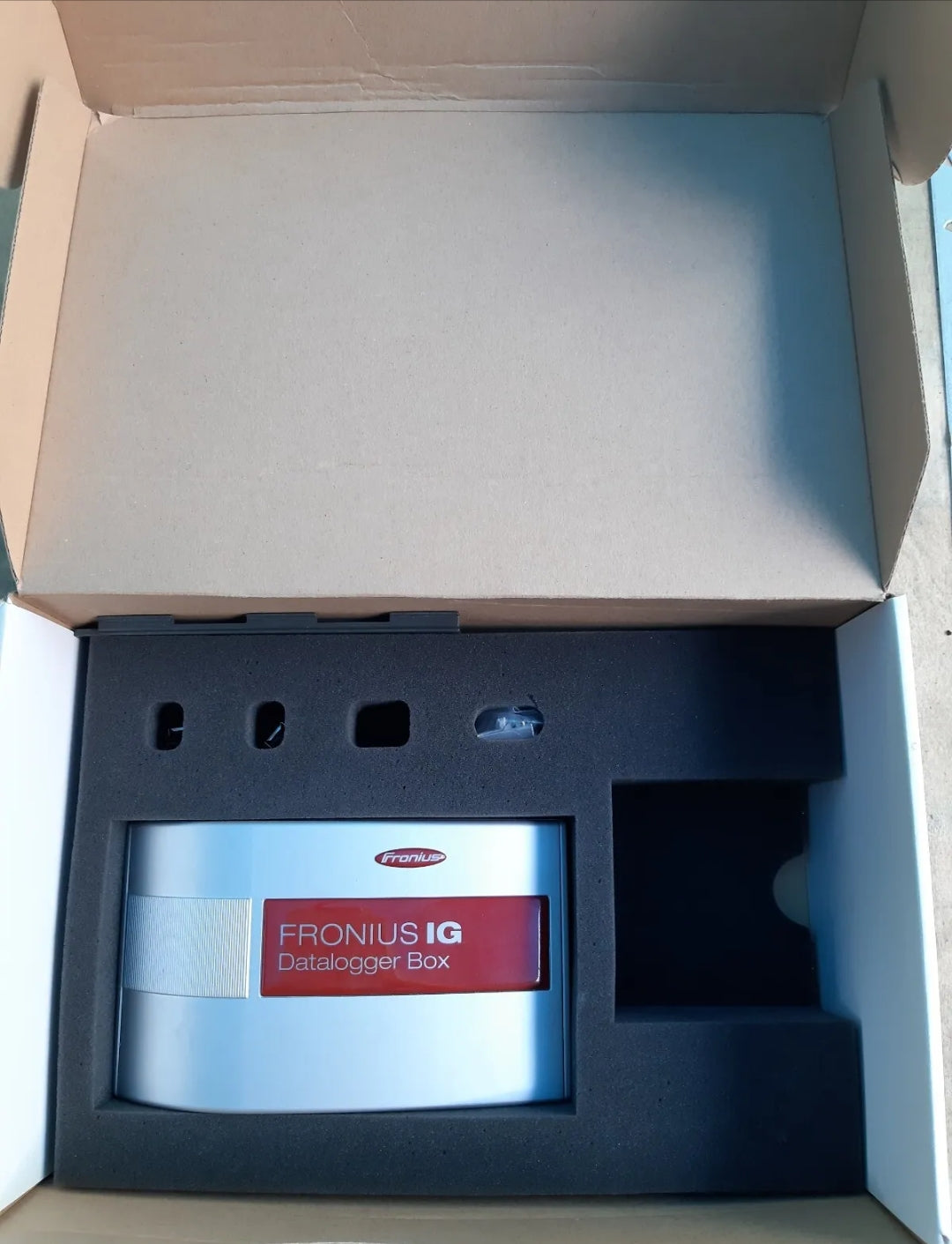
easy FRONIUS IG 4,240,103 A-4600 Wels photovoltaic monitoring dataloger box
Couldn't load pickup availability
Quantity Discount
|
2 or more items |
3% OFF |
|---|---|
|
5 or more items |
5% OFF |
|
10 or more items |
10% OFF |
Cumpărați în siguranță
Asigurați-vă experiența de cumpărături cu diverse metode de plată sigure și de încredere.
Smooth and stress-free — we handle issues, without bureaucracy.
From setup to questions — we’ve got your back after the sale.
Description
1. Introduction
The Fronius IG Datalogger Box Easy is designed to monitor and record data from a Fronius IG series photovoltaic inverter. It collects electrical parameters, inverter status, and performance data for analysis, storage, and remote monitoring.
Model: 4,240,103 A‑4600
Type: Photovoltaic monitoring datalogger
2. Safety Instructions
⚠️ Important: Always read all safety instructions before installation or operation.
-
Only qualified personnel may install or operate the device.
-
Disconnect all power before connecting or disconnecting cables.
-
Avoid water, dust, or direct sunlight exposure.
-
Use only approved cables and connectors.
-
Do not open the datalogger; internal components contain no user-serviceable parts.
3. Package Contents
-
Datalogger Box Easy 4,240,103 A‑4600
-
RS‑232 or USB cable for PC connection
-
Mounting hardware
-
Quick Start Guide
4. Device Overview
-
Input: Connects to inverter via COM interface (COM card inside inverter).
-
Output: USB or RS‑232 to PC for data download.
-
LED indicators:
-
Power – green when powered
-
Data – flashes during data transfer
-
Error – red if communication fails
-
5. Installation
-
Ensure the inverter has a COM card installed.
-
Mount the datalogger near the inverter using the supplied screws.
-
Connect the datalogger to the COM card using the supplied cable.
-
Connect the datalogger to a PC via USB or RS‑232 if local monitoring is required.
-
Power up the inverter; the datalogger will automatically start recording data.
6. Operation
6.1 Data Collection
-
The datalogger continuously records inverter output parameters, including:
-
AC/DC voltage and current
-
Energy production (kWh)
-
Power (W)
-
Operational status and error codes
-
6.2 Data Download
-
Connect the datalogger to a PC.
-
Use Fronius IG.access software or compatible monitoring software.
-
Download recorded data and save for analysis or archiving.
6.3 Remote Monitoring (Optional)
-
If connected to a modem or network interface, the datalogger can transmit data to a central monitoring server.
-
Ensure network configuration matches your service provider settings.
7. Maintenance
-
Clean the enclosure with a dry, soft cloth.
-
Check cables and connectors periodically.
-
Inspect LED indicators; persistent error light requires professional service.
8. Troubleshooting
| Symptom | Possible Cause | Solution |
|---|---|---|
| Power LED off | No power from COM card | Check inverter COM card and cable connection |
| Data LED not flashing | No communication with inverter | Verify cable connection, restart inverter |
| Error LED on | Communication failure or internal fault | Reconnect datalogger, consult Fronius service if persists |
9. Technical Data
-
Power supply: via COM card (12 V DC typical)
-
Communication: RS‑232 / USB
-
Temperature range: −20 °C … +60 °C
-
Storage capacity: depends on monitoring interval (typical 1–5 min)
-
Dimensions: 120 × 80 × 40 mm (approx.)
10. Contact & Support
-
Official support: Fronius International GmbH
-
Website: https://www.fronius.com
-
Technical support: support@fronius.com
Got a question?
Don't be a stranger.

Shopping Safely
At our Green Energy store, we prioritize your safety and security. Here's how we ensure a secure shopping experience:
1. Secure Transactions: We use advanced encryption to protect your personal and payment information, ensuring it is safely transmitted and safeguarded.
2. Trusted Payment Gateways: Our store integrates with trusted payment gateways, ensuring your transactions are processed securely and efficiently.
3. Data Privacy: Your privacy is our top priority. We follow strict data protection policies to keep your personal information confidential and secure.
4. Secure Platform: Shopify provides robust security features and continuous monitoring against vulnerabilities, ensuring a safe shopping environment.
5. Verified Merchants: We are a verified merchant on Shopify, committed to providing authentic and high-quality products.
6. Transparent Policies: Our clear return, refund, and shipping policies provide peace of mind, knowing we stand behind our products.
7. Customer Support: Our dedicated customer support team is ready to assist with any concerns or questions you may have.
Shop confidently at our Shopify store, where your safety and satisfaction are our top priorities.
🔒 Warranty Terms and Conditions
By placing an order, you acknowledge and agree to the following warranty policy:
✅ 1-Year Warranty for Inverters
- All solar inverter units come with a 1-year warranty from the date of purchase.
- Each unit is fully inspected and tested before shipment to ensure proper functionality.
🔧 What the Warranty Covers
- The warranty covers defects and malfunctions that occur during standard operation.
- This includes the inverter as a whole and its internal components and circuit boards.
- If any issue arises within the warranty period, we will repair or replace the defective part or product, in line with our warranty policy.
🛠 Warranty for Separate Components
- For individual internal circuit boards, components, and repair kits ordered separately, a 6-month warranty applies from the date of purchase.
- Within this period, any functional failure will result in a free replacement as per our warranty terms.
⚠️ What the Warranty Does Not Cover
- The warranty does not apply in the following cases
- Improper installation by the customer or third parties
- Network overvoltage
- Lightning strikes or other environmental/external damage
❗ Please ensure correct installation by a qualified technician. Improper connection or handling voids the warranty.
€200,00 EUR